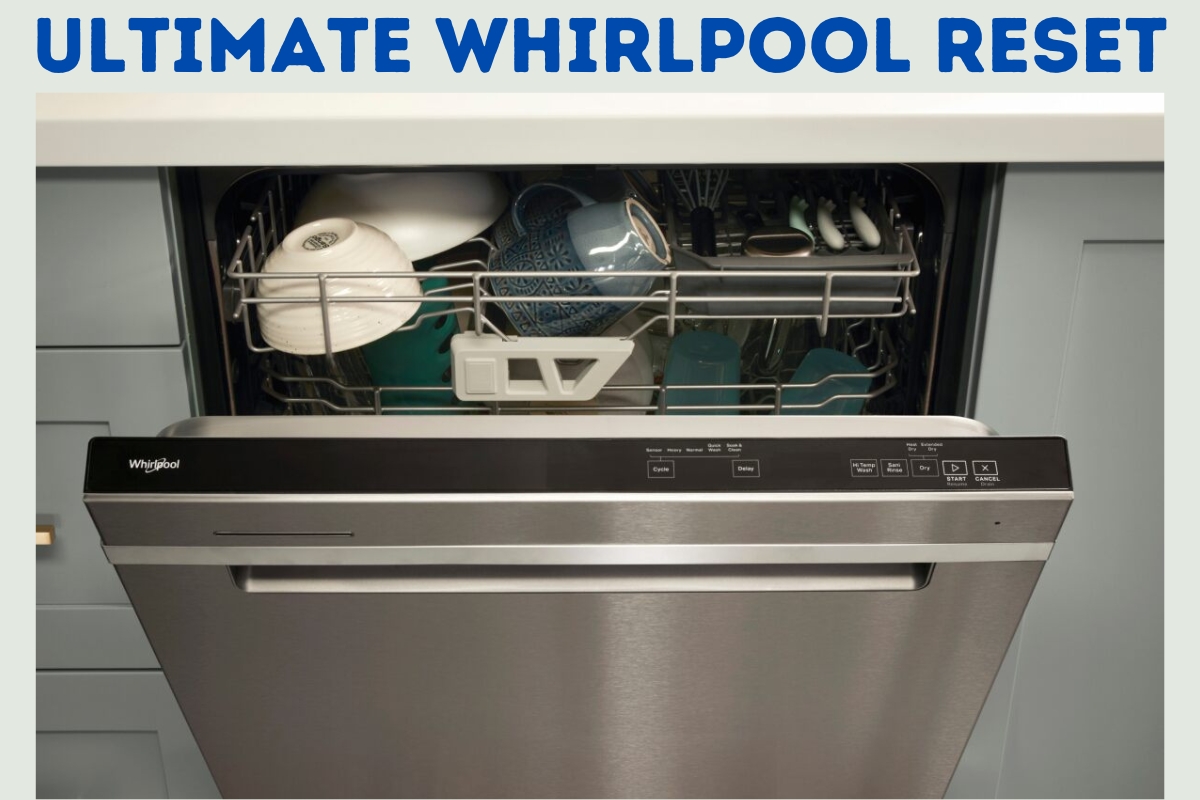
Do you know how to reset a whirlpool dishwasher?
If you’re having trouble with your whirlpool dishwasher, one of the first things to try is resetting it. Resetting your dishwasher can help resolve issues such as it not starting, not operating, or not completing a cycle.
Fortunately, resetting a whirlpool dishwasher is a relatively easy process that can be done in just a few steps.
There are a few different ways to reset your whirlpool dishwasher, depending on the model you have. One method involves checking your dishwasher’s water supply and ensuring that the valve is open completely.
Another method involves holding down the start/reset button for 10 seconds or unplugging the dishwasher for 30 seconds.
You can also try activating diagnostic mode or resetting the dishwasher’s controls by disconnecting it from the power source for one minute.
Before attempting any of these methods, it’s important to consult your dishwasher’s user manual to ensure that you’re following the correct steps for your specific model.
With that in mind, let’s take a closer look at how to reset your Whirlpool dishwasher and get it back up and running smoothly.
Which Whirlpool Models Does This Guide Cover?
If you’re having trouble with your Whirlpool dishwasher, this guide will help you reset it.
This guide is applicable to most Whirlpool dishwasher models, including:
- Whirlpool Gold Series Dishwasher
- WDTA50SAHZ Dishwasher
- WDF760SADM Dishwasher
- WDT730PAHZ Dishwasher
- WDT970SAHZ Dishwasher
Even if your model isn’t listed, the steps outlined in this guide may still be useful.
However, if you’re unsure about whether or not your dishwasher is compatible with this guide, it’s best to consult your owner’s manual or contact Whirlpool customer service for assistance.
How To reset whirlpool dishwasher
Step 1: Turn Off The Power
If your Whirlpool dishwasher is not responding or functioning properly, the first thing you should do is turn off the power.
This will help to reset the dishwasher and may solve the problem.
Here are some easy steps to follow:
- Locate the circuit breaker or unplug the dishwasher from the electrical outlet. This will ensure that there is no power running to the dishwasher.
- Wait for at least 1 minute before turning the power back on. This will allow the dishwasher to reset and clear any errors.
It’s important to note that some models of Whirlpool dishwashers require you to shut off the power to the dishwasher by unplugging it or shutting off the circuit breaker.
Others are reset by pressing and holding the Start/Reset button on the control panel, then waiting a few moments before attempting to start a wash cycle.
Be sure to check your dishwasher’s manual for specific instructions.
Once you have turned off the power and waited for a minute, you can turn the power back on and attempt to start a wash cycle.
If that does not work then turn the power off and go to step 2.
Step 2: Open The Dishwasher Door
Now that you have unplugged your Whirlpool dishwasher, the next step is to open the dishwasher door. This will allow you to access the control panel and reset the dishwasher.
First, locate the dishwasher door handle. It is usually located on the front of the dishwasher, towards the top. Gently pull the handle towards you to open the dishwasher door.
Once the dishwasher door is open, you should be able to see the control panel. The control panel is where you will be pressing the buttons to reset the dishwasher.
It is important to note that some Whirlpool dishwashers have a child lock feature that prevents the dishwasher from being opened during a cycle.
If your dishwasher has this feature, you will need to turn it off before you can open the dishwasher door.
After you have opened the dishwasher door, you are ready to move on to the next step in the reset process.
Step 3: Press The Control Panel Buttons

Now that you have unplugged your Whirlpool dishwasher and waited for at least 5 minutes, it’s time to reset the control panel.
Whirlpool Dishwasher Reset
This step is crucial for getting your dishwasher back to working order.
There are two types of resets you can perform: a normal reset and a factory reset.
3.1 Normal Reset
A normal reset is the first reset you should try. It’s a simple process that involves pressing a few buttons on the control panel. Here’s how to do it:
- Press the “Off” button on the dishwasher to turn it off completely.
- Press and hold the “Start” button for 3-5 seconds.
- Release the “Start” button and press the “Start” button again to begin the new cycle.
If your dishwasher starts working normally after this reset, then you’re good to go. If not, you may need to perform a factory reset.
3.2 Factory Reset
A factory reset is a more advanced reset that should only be done if a normal reset doesn’t work. Here’s how to do it:
- Press the “Off” button on the dishwasher to turn it off completely.
- Press and hold the “Start” button and the “Cancel” button at the same time for 3-5 seconds.
- Release both buttons and wait for the dishwasher to reset. This may take a few minutes.
- Once the dishwasher has finished resetting, select a new cycle and start the dishwasher.
Performing a factory reset will erase any custom settings you have programmed into your dishwasher, so be sure to take note of them before performing this reset.
Step 4: Wait For The Whirlpool Reset To Finish
After you have successfully initiated the reset process on your Whirlpool dishwasher, you will need to wait for it to finish.
This can take a few moments, so it’s important to be patient and let the dishwasher complete the reset process before attempting to use it again.
During the reset process, the dishwasher’s control panel will flash and beep. This is normal and indicates that the dishwasher is resetting itself to its default settings.
Once the reset process is complete, the flashing and beeping will stop, and the dishwasher will be ready for use again.
It’s important to note that the exact amount of time it takes for the reset process to finish can vary depending on the model of your Whirlpool dishwasher.
Some models may take longer than others, so it’s best to consult your dishwasher’s manual for more specific information.
Once the reset process is complete, you can now attempt to start a wash cycle on your Whirlpool dishwasher.
If the dishwasher still does not start, you may need to try the reset process again or contact a professional for further assistance.
Remember, resetting your Whirlpool dishwasher can be a simple and effective solution to many common problems.
By following the steps outlined in this article, you can reset your dishwasher quickly and easily, saving you time and money in the long run.
How to activate Whirlpool dishwasher diagnostic mode
The process to activate diagnostic mode on a Whirlpool dishwasher is not overly complicated and can be useful in resetting the machine’s internal diagnostics if you are experiencing alarms or flashing lights on the interface.
To initiate the diagnostic mode, you simply need to press the “Heated Dry” button followed by the “Normal” button, and then repeat this two-button process immediately afterward.
The machine will then enter diagnostic mode and eventually reset itself.
If this approach does not work, you may want to try repeating the process with the door open.
However, it is worth noting that this method may not always be effective on newer machines.
How to reset the control board on your Whirlpool dishwasher
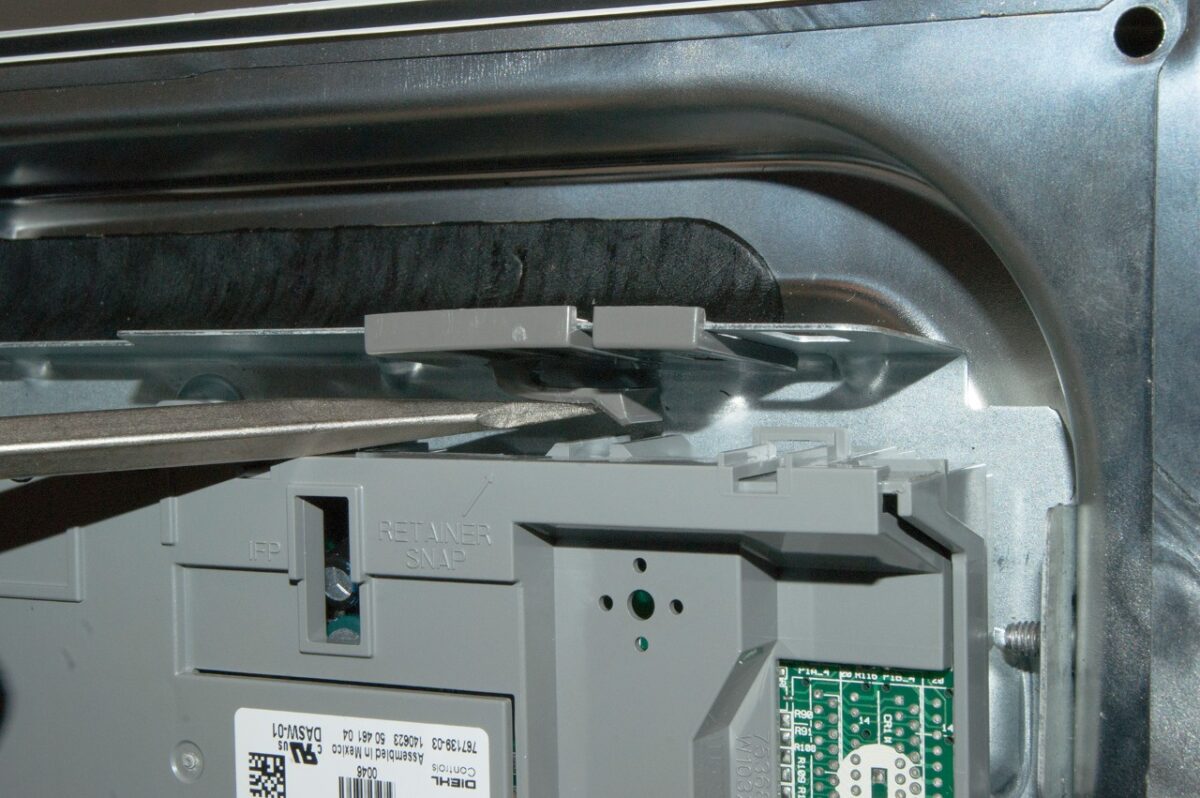
To reset your Whirlpool dishwasher’s control board, you can follow a simple guide. First, turn off the machine and unplug it from the power source.
Wait for about 5 minutes before plugging it back in and turning the power on.
Then, select either the “High” or “Pots and Pans” function, if available, and choose a “Heat” drying cycle. Repeat the process after a few minutes.
If your Whirlpool dishwasher’s control panel is unresponsive after heavy weather or power outages, this control panel reset should help to refresh it and restore its functionality.
How To Keep Your Whirlpool Dishwasher Working Correctly
If you want your Whirlpool dishwasher to work correctly and last for years to come, there are a few things you can do to keep it in top condition. Here are some tips:
- Scrape food off dishes before loading them. While it’s okay to leave some food residue on dishes, large chunks of food can clog the dishwasher’s drain and cause it to malfunction. So, before loading your dishes, scrape off any large pieces of food into the bin.
- Use the right amount of detergent. Using too much detergent can leave a residue on your dishes, while using too little can result in dirty dishes. Follow the manufacturer’s instructions for the correct amount of detergent to use.
- Run hot water before starting the dishwasher. Running hot water for a few seconds before starting the dishwasher helps to ensure that the dishwasher starts with hot water, which is necessary for proper cleaning.
- Clean the dishwasher regularly. Over time, food particles, grease, and soap scum can build up in the dishwasher, causing it to smell bad and work less efficiently. To keep your dishwasher clean, run it empty with a cup of vinegar once a month.
- Check the dishwasher’s spray arms. The spray arms are responsible for distributing water evenly throughout the dishwasher. If they become clogged or damaged, your dishes won’t get clean. To check the spray arms, remove them from the dishwasher and rinse them under hot water.
Other Things To Check On Whirlpool dishwashers
Check Inlet Temperature
Whirlpool have come out themselves and said the optimal cleaning temperature is 120 Fahrenheit. Make sure yours is running around this ball park.
Top Up Rinse Aid
Rinse aid is essentially mandatory for achieving optimal performance from modern dishwashers.
However, the need for rinse aid may depend on factors such as water hardness and the specific dishwasher model being used.
Install Surge Protection
Adding surge protection to your Whirlpool dishwasher can provide valuable protection against electrical disruptions, including power surges and outages.
As noted earlier, power outages can be a common reason why a dishwasher’s control board may need to be reset.
By installing surge protection, you can help prevent damage to your dishwasher’s electronic components
How to reset newer whirlpool dishwashers
Resetting a newer Whirlpool dishwasher such as the whirlpool WSFE 2B19 X UK N is a simple and straightforward process that is just as easy to follow as activating the diagnostic mode.
To complete the reset, all you need to do is press any three buttons on the control panel consecutively three times.
This should either initiate the diagnostic mode or complete the reset.
What If None Of The Resets Above Work?
If you have tried all the above-mentioned reset methods and your Whirlpool dishwasher is still not functioning correctly, it may be necessary to seek assistance from a professional repair service.
Alternatively, if your dishwasher is relatively new and you remember where you purchased it from, it may be worth contacting the shop and asking them directly.
Sometimes it could be a slight glitch that might need repairing and they should do it for free in most cases.
What if Whirlpool Dishwasher Not starting At all
If your Whirlpool dishwasher is not starting at all, there are several potential reasons why this may be happening.
Some of the most common causes of a dishwasher that won’t start include issues with the power supply, control lock being activated, sleep mode being enabled, delayed wash option being selected etc.
To troubleshoot the issue, you can try the following steps:
- Check that the dishwasher is properly plugged into a functioning power outlet and that the circuit breaker has not been tripped.
- Verify that the control lock is not activated and that sleep mode is disabled. Check the owner’s manual for instructions on how to disable these features.
- Ensure that the door is completely closed and latched securely. If the door is not fully closed, the dishwasher will not start.
- Check the water supply valves to the dishwasher and hose to ensure they are turned on and not blocked or damaged.
- If none of the above steps resolve the issue, it may be necessary to contact Whirlpool customer service or a professional repair service for further assistance. They may be able to provide additional troubleshooting tips or offer repair services if necessary.
Related Articles:
- How to Reset Beko Dishwasher The Easy Way!
- How to Reset Neff Dishwasher
- How To Reset A Bosch Dishwasher: Few Simple Steps (2023)
- How To Reset A Kenmore Dishwasher: Step-By-Step Guide (2023)
- How To Reset A Frigidaire Dishwasher In 5 Easy Steps (2023)
- How To Reset A Samsung Dishwasher: Powerful Easy Steps!
- How To Reset A Maytag Dishwasher In Just A Few Simple Steps!
- How To Reset A KitchenAid Dishwasher: Quick Guide (2023)

Founder of homeappliancegeek.com, avid cook, and lover of Asian food.
Signature dishes include Thai Red Curry, Chicken Saag, Bibimbap and Sushi.
Massive clean freak; a habit baked-in after spending 9 years in the catering industry.
The one appliance he couldn’t live without? Easily the dishwasher (total relationship saver!).